Frequency Separation vs. The AI Hallucination: The Luxury Brand’s Guide to Authentic Retouching
AI can process pixels, but it cannot understand a brand identity. Discover the "Invisible Edit" secrets that keep high-end campaigns looking human in an automated world.
IndustryPublished June 23, 202610 min readBy the Reframe Visuals editors

The Uncanny Valley of Automated Retouching
AI retouching tools are cheap and everywhere, and they share a recognizable failure mode: skin that looks like polished plastic, fabric that loses its weave and turns into a gradient, jewelry that glows with light that was never in the room. Shoppers may not name the problem, but they register it, and for a brand selling on quality the over-processed look works against the price tag.
Scaling catalog editing without adding full-time payroll overhead?
Partner with Reframe Visuals: elastic capacity processing 2,500+ commercial images daily, two-editor QA, and 12h–72h turnaround. Test our studio with 3 free sample edits — zero credit card required.
The Invisible Edit
Our working rule for Retouching: if you can see the edit, the edit failed.
Good retouching removes distractions, including dust, a temporary blemish, a studio wire, while keeping the texture that makes the subject look real. The core technique for this is Frequency Separation.
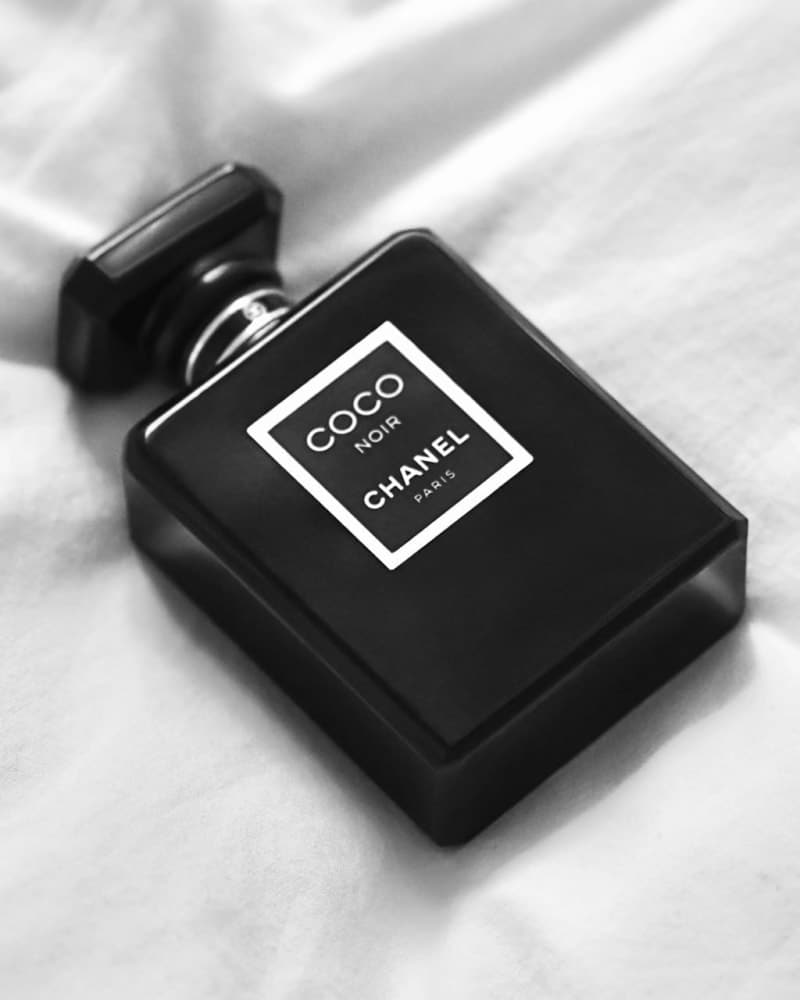
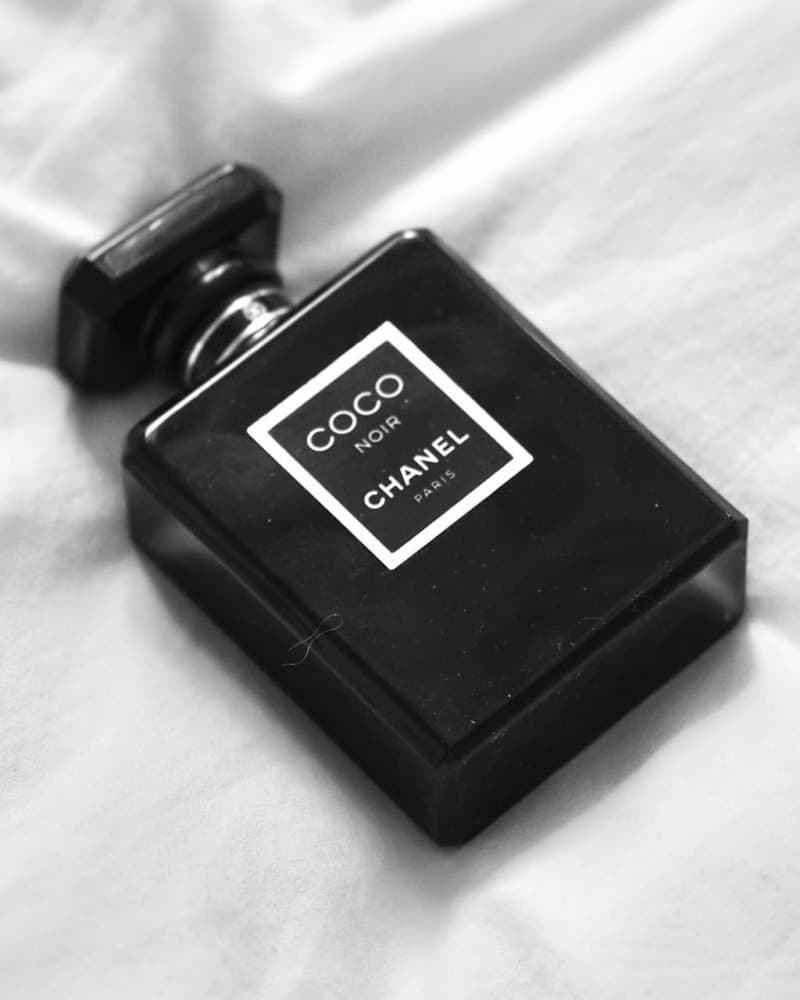
Frequency Separation: The Surgical Approach
Imagine if you could take a photo and peel it into two layers.
- The High-Frequency Layer: This contains all the Texture-the skin pores, the fine weave of the linen, the individual eyelashes.
- The Low-Frequency Layer: This contains the Color and Tone-the shadows, the highlights, and the skin undertones.
Separating the layers lets an editor even out blotchy skin tone on the low layer without touching the pores and fine hair on the high layer. The model looks polished and still looks like a person.
Most automated tools skip this separation and average neighboring pixels together, which is why AI-edited skin reads as blurred. If you sell a $500 silk shirt, the visible weave in the photo is part of what supports the price.
Manual Dodge and Burn
The second core technique is manual dodge and burn: brightening and darkening specific areas of the image by hand to shape how light falls.
A global contrast boost, which is what most Model Retouching presets apply, lifts everything equally and flattens the image. Manual dodge and burn instead lightens the highlight on the bridge of a nose or deepens the shadow inside a fabric fold, which is what gives campaign images their dimensional, editorial look.
| Retouching Style | The "AI" Way | The Reframe Editorial Way |
|---|---|---|
| Skin Handling | Blurry/Plastic (Destructive) | Texture-Preserved (Frequency Separation) |
| Lighting | Flat/Global adjustments | Sculpted/3D (Dodge & Burn) |
| Fabric | Muted/Simplified | Enhanced weave and depth |
| Atmosphere | Generic/Clean | Brand-specific mood and tone |
Why Texture Survives Scrutiny
Shoppers zoom. On marketplace listings, the zoomed view is where a purchase decision often lands, and it is exactly where over-processed images fall apart: the leather has no grain, the wood has no figure, the knit has no loops.
Retouching that preserves texture survives that zoom. That is the practical case for frequency separation and manual dodge and burn over one-click filters: the work holds up at the magnification where customers actually inspect it.
How we apply this at Reframe Visuals:
- Non-destructive workflows. Edits live on separate layers, so the original capture is never overwritten and any adjustment can be revised.
- Layered delivery on request. We can return PSD or TIFF files with adjustment layers intact instead of a flattened JPEG.
- Texture as the QA bar. Our reviewers check the zoomed view, not the thumbnail, before an image ships.
Get an exact price for your images.
Tell us your volume and the edits you need. We reply with a price, and you can send sample images to make it exact.