Clipping Path
Studio-grade manual clipping paths drawn by hand with the Photoshop Pen Tool. 1.0–1.5px tolerance, clean curves, and zero jagged edge distortion.
- 100% manual Pen Tool vector paths drawn by hand (zero automated AI shortcuts)
- Strict 1.0–1.5px inward edge tolerance to eliminate background color fringing and halos
- Smooth Bézier curves and sharp anchor point placement on straight edges
What is clipping path?
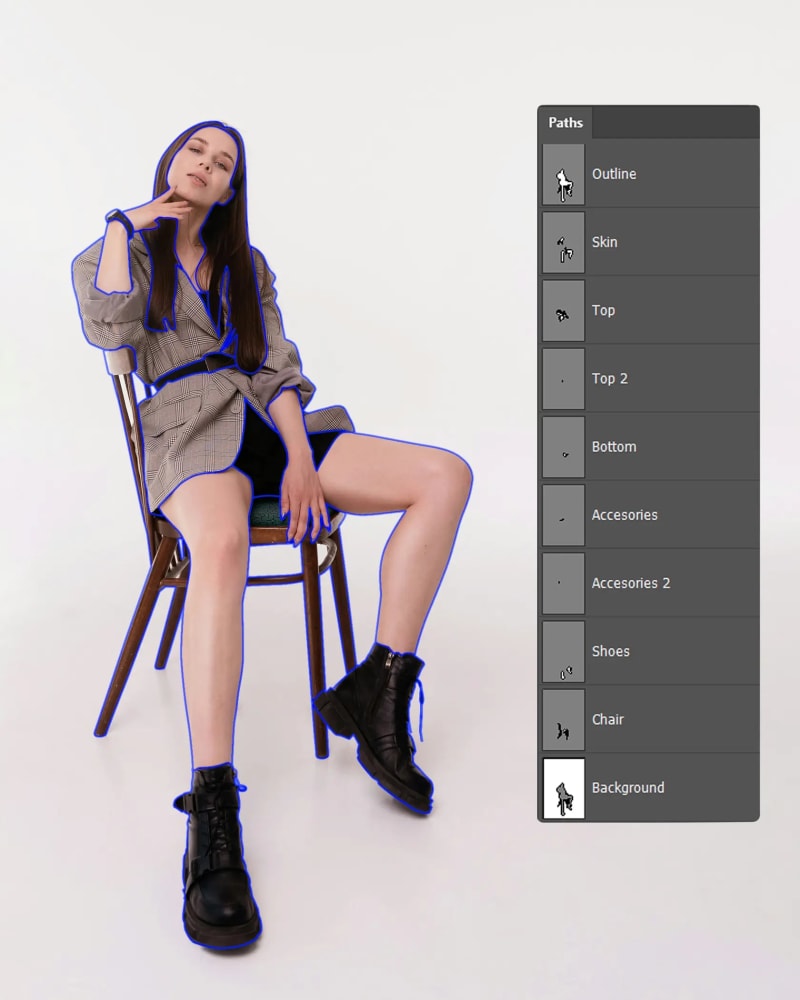
A clipping path is a closed outline drawn by hand with the Pen tool around a product.
What is included
- 100% manual Pen Tool vector paths drawn by hand (zero automated AI shortcuts)
- Strict 1.0–1.5px inward edge tolerance to eliminate background color fringing and halos
- Smooth Bézier curves and sharp anchor point placement on straight edges
- Embedded, editable clipping paths (Path 1) saved in JPEG, TIFF, or PSD files
- Inner path isolation for handles, cutouts, hollows, and compound holes
- Complete compliance for Amazon, Shopify Plus, eBay, and luxury catalog specifications
- Unclipped original layers retained for non-destructive design workflows
- Consistent batch tolerance across high-volume SKU catalogs
Not included
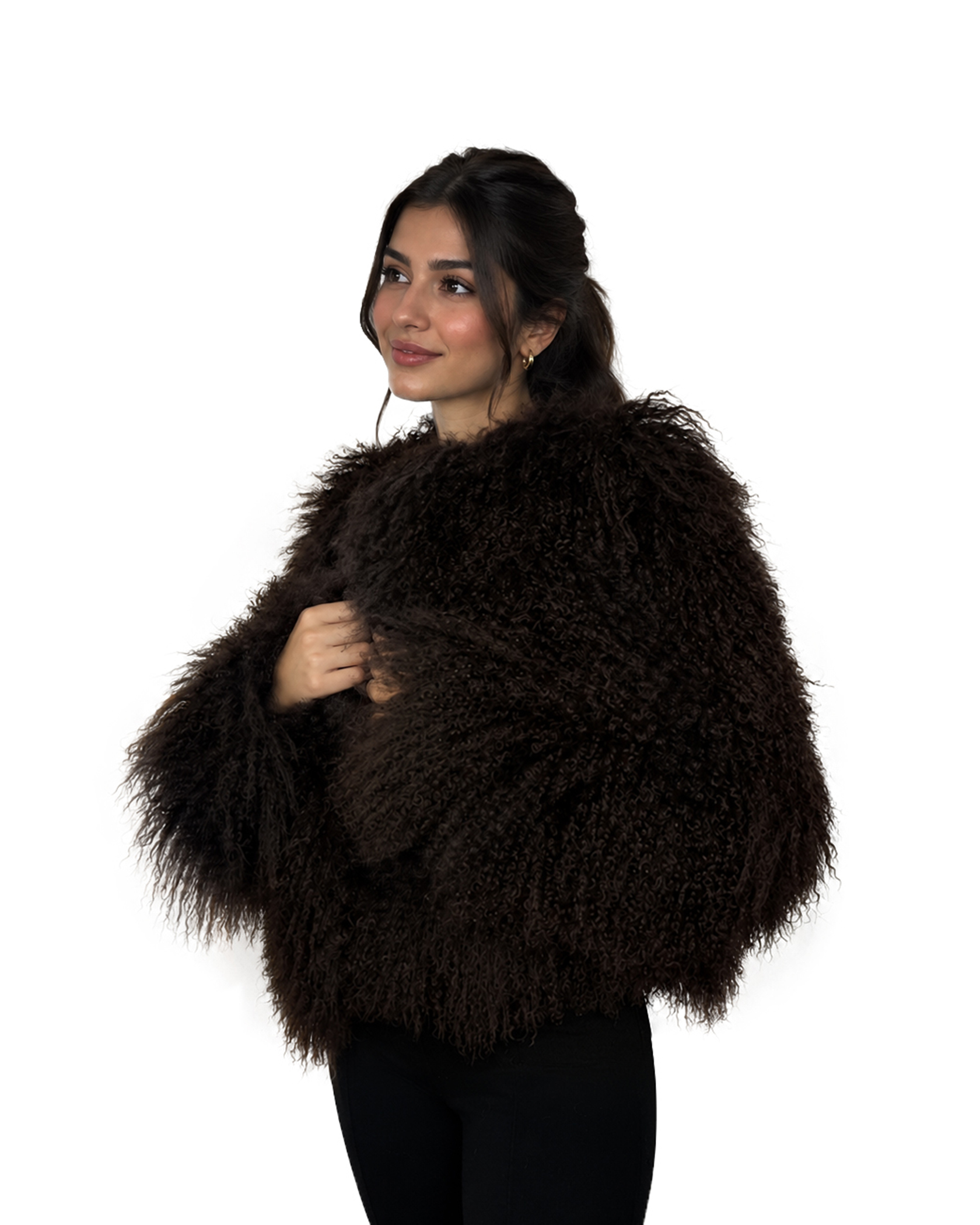
- Fine hair, fur, or semi-transparent feathering (handled under advanced Alpha Masking)
- Multi-color zone separation (available under Multi-Clipping Path)
- Surface retouching, dust removal, or skin cleanup
Ideal for
- Ecommerce brands
- Amazon and Shopify sellers
- Marketplace retailers
- Product photographers
- Designers and agencies
How clipping path is done
You send your photo
Your product as it was shot, with the room behind it and showing through any gaps.
We draw the outline by hand
An editor traces the product's edge with a pen, point by point, all the way round.
We cut out the gaps
Openings inside the product, like a handle, are cut out too, so none of the old background is left.
Saved with your photo
The outline stays in the file: put the product on white, see-through or any color, now or later.
Why studio hand-drawn paths outperform automated tools.
Algorithmic background removal drops sales conversion through blurry edges and missing details. See how human vector craftsmanship compares.
| Feature | Reframe Studio | Automated AI Tools | Freelance Marketplaces |
|---|---|---|---|
| Cutout Precision | Hand-drawn Pen Tool (1-2px tolerance) | Algorithmic pixel guessing (blurry/cut edges) | Variable quality depending on worker |
| Embedded Vector Path | Yes (reusable 'Path 1' in PSD/TIFF) | No (raster mask or flattened pixels only) | Rarely included unless specifically requested |
| Compound Inner Paths | Every hole, strap, and handle isolated | Frequently misses inner gaps | Inconsistent inner cutout coverage |
| Edge Halos & Fringing | Zero (drawn slightly inside perimeter) | Common white or dark edge halo | Frequent background color bleed |
| Quality Assurance | 2-editor inspection on every file | Zero human review | Self-checked by individual freelancer |
| Daily Capacity & SLA | 2,500+ daily with guaranteed 24h SLA | Instant but requires manual re-editing | Unpredictable delivery times |
Is clipping path right for your images?
A good fit
- Products with defined edges: apparel, accessories, electronics, packaged goods, furniture, bicycles, food
- Catalog and marketplace images that need one consistent look
- Files that need a reusable path for retouching or color work later
Not a fit
- Hair, fur or glass edges: Background Removal handles them with advanced masking
- Several parts or colors cut out separately: Multi-Clipping Path
- Retouching or color work on top of the cutout: Retouching or Color Correction
What you get back.
- The outline, saved
- Kept inside your JPG, TIFF or PSD, ready to reuse for later edits
- Clean edges
- Traced 1 to 1.5px inside the edge, so no old background shows
- Background
- Pure white (#FFFFFF), transparent, or the original kept. A transparent PNG comes as an extra copy, since PNG cannot hold the outline
- Every image matches
- The same outline quality on every product in the batch
What we need from you.
Send these and work can start.
- Originals
- Any format (RAW, TIFF, PSD, JPEG, PNG). Higher-resolution source files ensure the sharpest edge boundary.
- Path standard
- Saved as active clipping path or embedded named vector path (e.g. 'Path 1') ready for Adobe suite.
- Background
- Pure white (#FFFFFF), transparent, or the original backdrop kept. Need a transparent PNG as well? Say so and it comes as an extra copy.
Turnaround, batches and corrections for clipping path.
2,500+ images a day on clipping path. Pick 12h–72h at checkout.
Delivery windows
Batch size
Corrections
What clients say after the first batch.
Probably the best team I have worked with, and I use the platform very very often. Awesome pricing & highest possible result. Everything done to the smallest details. They really know how to use PS. Will definitely work with them in the long run.
 Nikola FilićFounder & Creative Director, Bomber Clothing
Trusted by
Pet accessoriesUSA
Bold streetwear
We work across

Need 500+ clipping paths? Book a call for custom pricing.
Large batches get dedicated path editors, strict 1.0–1.5px tolerance across all SKUs, and saved vector paths you can reuse indefinitely.
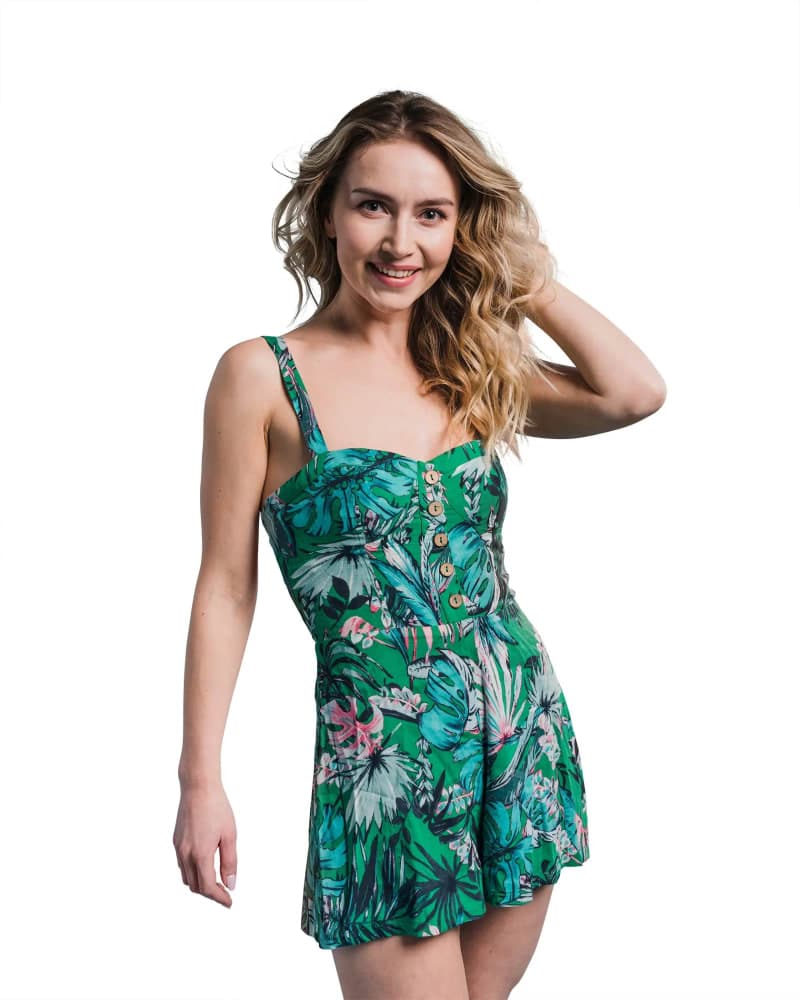
12 questions
A clipping path service is a photo editing technique where an editor manually traces a product's perimeter using Photoshop's Pen Tool to create a closed vector path. This path separates the subject from its original background, enabling clean placement on pure white, transparent, or custom lifestyle backgrounds with zero pixel distortion.
AI background removal relies on algorithmic edge estimation, which blurs fine details, cuts into product boundaries, and leaves unsightly color fringing or pixel halos. Hand-drawn clipping paths provide exact 1-2px inward tolerance, razor-sharp Bézier curves, and embedded vector paths that designers and retouchers can edit or reuse indefinitely.
Clipping paths are delivered embedded directly in the file as an active vector path (typically named 'Path 1'), compatible with Adobe Photoshop, Illustrator, and InDesign. The path is saved in JPG, TIFF or layered PSD files. PNG cannot hold a path, so if you also need a transparent PNG we send it as an extra, ready-cut copy.
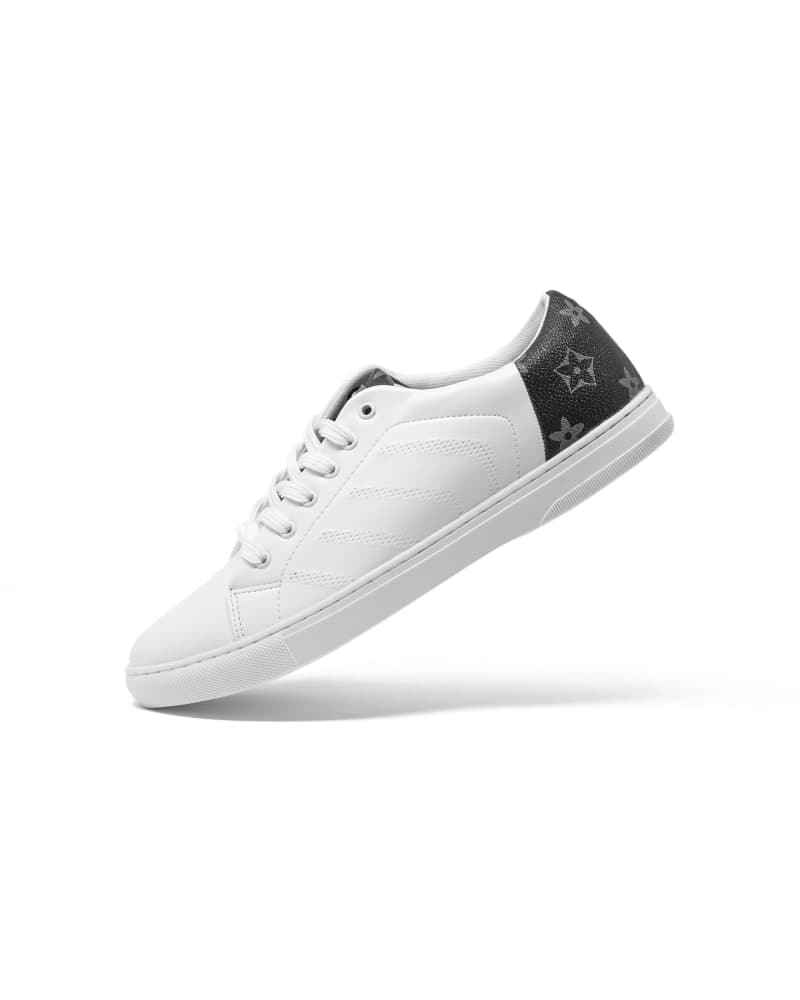
Simple paths cover products with smooth, continuous curves and few anchor points (e.g., books, bottles, smartphones). Medium paths involve multiple curves and a few inner cutouts (e.g., shoes, handbags). Complex paths feature intricate perimeters, numerous compound inner holes, and elaborate geometry (e.g., bicycles, jewelry, wire baskets, net fabrics).
Yes. Upon request, we isolate the product and place it on a calibrated pure white background (RGB 255, 255, 255 / #FFFFFF), perfectly compliant with Amazon main image requirements and marketplace standards.
Standard turnaround is 24 hours. For high-volume enterprise orders, our studio scales to 2,500+ paths daily, with dedicated project managers and rush 12-hour turnaround available upon request.
Both. The path is saved inside the PSD or TIFF, so your designer or retoucher can load it as a selection later without redrawing. If you only need a flat result, we deliver JPG or PNG on white or transparent.
We draw with the Pen tool at a 1-2px tolerance and check the outline zoomed in, so the edge holds up on zoom-enabled marketplace images. Nothing is auto-traced. Inner shapes such as handles, holes and gaps get their own paths.
Simple ($0.39): one smooth shape, like a box or a bottle. Medium ($0.51): a few curves or a small inner opening. Advanced ($0.99): many curves or several inner openings, like a handbag with straps. Complex ($1.90): lots of anchor points, such as chains, grilles or lace edges. Super complex ($2.99): the densest shapes, like a bicycle or a woven basket. Prices are per image at 24h Standard.
Hair, fur and glass have soft or see-through edges that a single hard path cuts too sharply: use Background Removal, which masks them. If you need several parts or colors cut out separately, order Multi-Clipping Path. Retouching and color work sit on top of the cutout and are separate services.
Yes. For 500+ images we set up dedicated editors and custom pricing; book a call or email the studio. Batches under 500 are guaranteed within the turnaround you pick, and batches over 1,000 are delivered on a staggered daily schedule.
A sharp, evenly lit product on a plain background, shot straight on, with the whole product in frame. Blurred edges, shadows touching the product and clutter behind it push an image up a tier. Send the highest resolution you have.
No matching questions
Try a shorter keyword, or choose another category.