TikTok Shop Product Image Requirements: The Complete Seller Guide
TikTok Shop images appear in a fast-scroll video feed, so they need to be clean, high-contrast and recognizable in under two seconds. This guide covers the technical requirements and what converts.
ServicesPublished October 10, 20266 min readBy the Reframe Visuals editors
TikTok Shop brings social commerce to TikTok's platform. Getting your product images right matters here because images appear in a small-screen, fast-scroll video environment where first impressions decide whether a viewer clicks.
This guide covers TikTok Shop's image requirements and how to prepare images that convert in a video-first feed.
Main image requirements
TikTok Shop's main product image requirements:
- Background: white or clean neutral background strongly recommended. TikTok does not technically require pure white, but algorithm placement and conversion both favor clean, professional images.
- Resolution: minimum 800 × 800 pixels. TikTok recommends 1,000 × 1,000 pixels or larger.
- Aspect ratio: 1:1 (square). Non-square images are cropped.
- File format: JPG or PNG. PNG is preferred for products with transparent elements.
- File size: under 5 MB per image.
- Content: the product clearly visible; no promotional text, price callouts or watermarks. The product must match what ships.
Need 100% compliant marketplace visuals for your catalog?
Eliminate off-white halo suppression with calibrated RGB (255, 255, 255) pure white cutouts. Get 3 free sample images prepared by Reframe Visuals — guaranteed to pass Amazon and marketplace automated compliance checks.
Video and feed context
TikTok Shop integrates with TikTok's video feed, so images must hold up as stills in a fast-scroll video environment. Practically, this means:
- High contrast between product and background
- Product clearly recognizable at small size (the thumbnail in the feed is approximately 120px wide)
- No fine details that disappear at small size: the main image must read at a glance
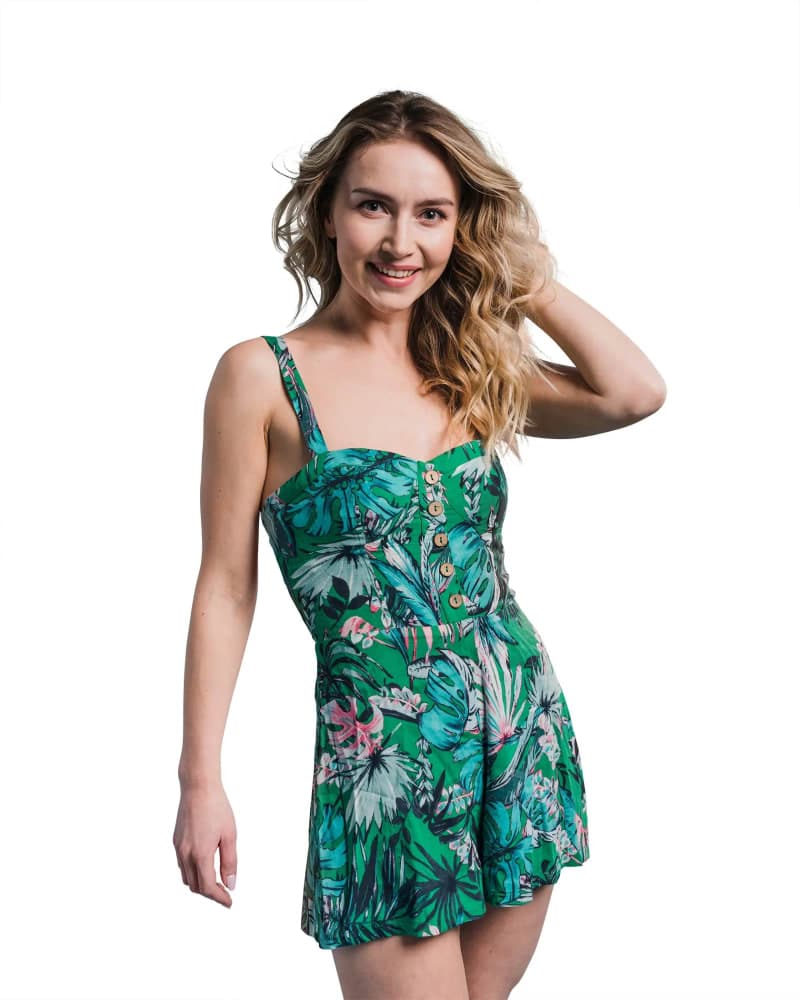
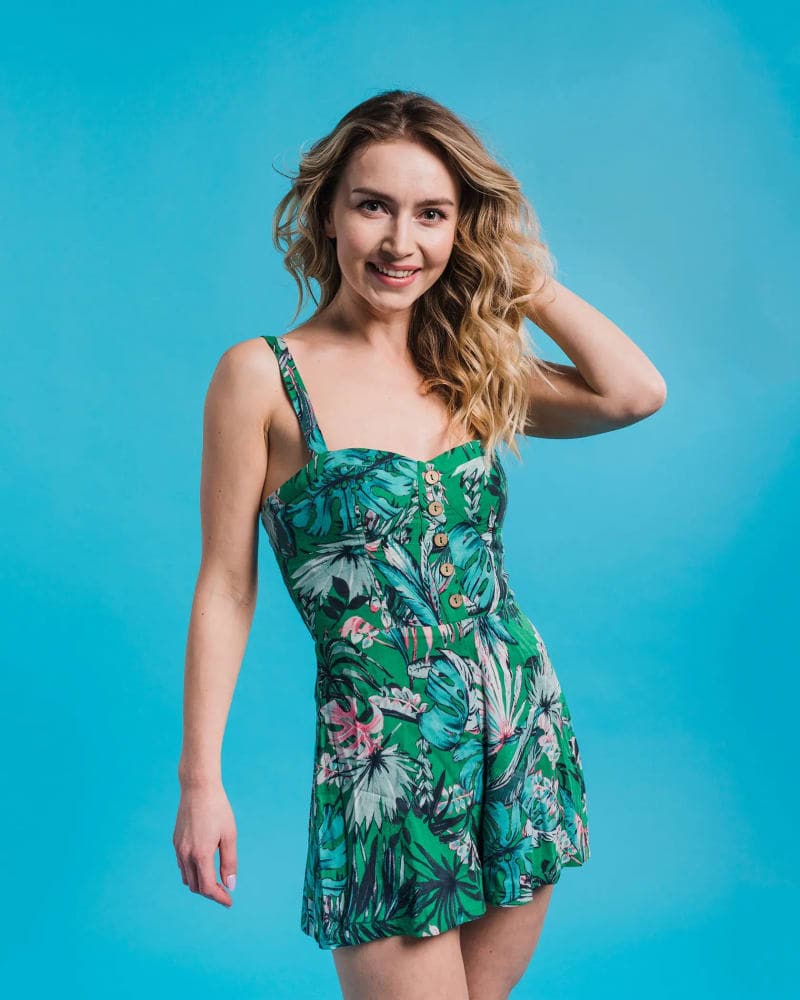
Image count and additional images
TikTok Shop allows up to nine product images per listing. Best practice:
- Main image on white, product filling most of the frame
- Second and third images from different angles on white
- One lifestyle or in-use image
- One detail shot (texture, material, size reference)
- Size guide or infographic if the product has sizing
Two or three strong images outperform nine weak ones.
Thumbnail behavior
The main image becomes the thumbnail in the shop grid, search results and recommended products. At thumbnail size, the product must be clearly recognizable without text labels or overlays.
Category-specific guidance
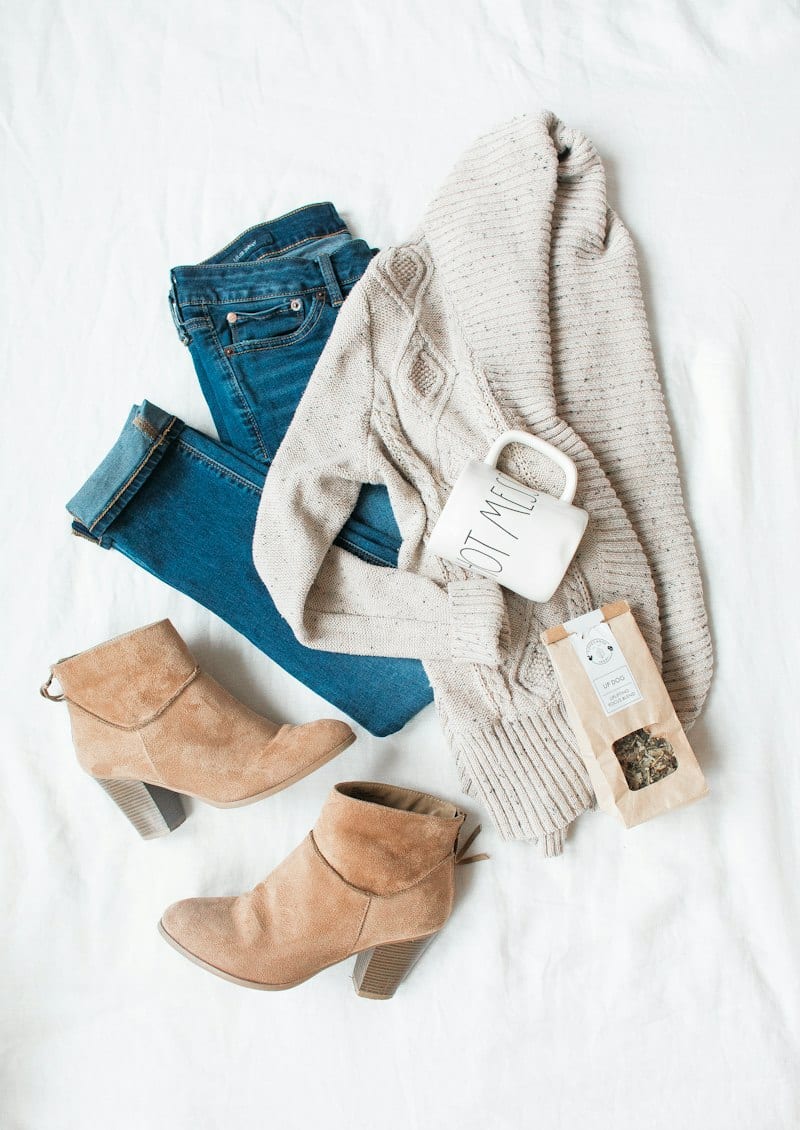
Fashion and apparel: use ghost mannequin or flat lay for the main image. Lifestyle shots work well as additional images.
Beauty: show the product packaging clearly. Swatch or application images work well as additional images.
Electronics: show the product as it ships. Include the unboxed contents in an additional image.
Jewelry: white background with sharp detail. Styled or worn shots work well as additional images.
Preparing TikTok Shop images
The key difference between TikTok Shop images and standard ecommerce images is the feed context. A standard ecommerce workflow — shoot on white, edit to pure white background, 1000 × 1000px, JPG — meets TikTok Shop's technical requirements and performs well in the feed.
For apparel sellers, ghost mannequin main images with lifestyle additional images perform well on TikTok Shop because they match both the clean catalog look and the authentic social content look.
Get an exact price for your images.
Tell us your volume and the edits you need. We reply with a price, and you can send sample images to make it exact.
Questions answered
5 questions
TikTok recommends a clean neutral or white background for main images. While it is not an absolute technical requirement, algorithm placement and conversion data consistently favor clean backgrounds on TikTok Shop.
800 × 800 pixels. TikTok recommends 1,000 × 1,000 or larger.
You can, but clean product-on-white images perform better in search results and the shop grid. Use lifestyle images as additional images where they add context.
Three to five strong images typically outperform nine mediocre ones. Include: main on white, two to three angles, one lifestyle or in-use, and a detail or size guide if relevant.
The technical requirements are similar: square, white background, 1000px+. The main difference is that TikTok Shop images appear in a social video feed, so they need to be recognizable at small size and compete with video content for attention.
No matching questions
Try a shorter keyword, or choose another category.