The Zoom Test: What Happens When Your Customer Pinches to 300% - And What They Find
Pinch-to-zoom is the strongest purchase-intent signal in ecommerce. What buyers see at 300% magnification decides whether they convert.
IndustryPublished March 20, 20268 min readBy the Reframe Visuals editors

The Pinch That Predicts Purchase
Here's a data point most brands overlook: customers who zoom into product images are 3x more likely to purchase than customers who don't. The zoom gesture-pinch-to-expand on mobile, click-to-magnify on desktop-is one of the strongest behavioral signals of purchase intent in eCommerce analytics.
Scaling catalog editing without adding full-time payroll overhead?
Partner with Reframe Visuals: elastic capacity processing 2,500+ commercial images daily, two-editor QA, and 12h–72h turnaround. Test our studio with 3 free sample edits — zero credit card required.
But zoom is a double-edged sword. When a customer zooms in, they're giving your product their full, concentrated attention. If what they find at 300% confirms quality, you've virtually closed the sale. If what they find is dust, pixelation, jagged edges, or compression artifacts, you've lost not just the sale but potentially the customer forever.
What Customers Actually Look For at Zoom
Eye-tracking studies on product detail pages reveal that customers zoom to answer specific questions:
For Apparel:
- Fabric texture and weave quality
- Stitching consistency and thread quality
- Button and hardware detail
- Label and care tag legibility
For Electronics:
- Screen clarity and bezel quality
- Port and connector detail
- Surface finish (brushed, matte, glossy)
- Brand markings and certifications
For Jewelry:
- Gemstone clarity and fire
- Prong and setting precision
- Metal surface quality
- Hallmark and stamp legibility
For Footwear:
- Sole construction and tread pattern
- Leather grain and texture
- Stitching quality
- Brand logo detail
| Product | Primary Zoom Target | What They're Evaluating |
|---|---|---|
| Apparel | Seams and fabric | Material quality, construction |
| Electronics | Ports and finish | Build quality, authenticity |
| Jewelry | Stone and setting | Craftsmanship, value |
| Footwear | Sole and stitching | Durability, quality |
| Cosmetics | Label and texture | Ingredients, authenticity |
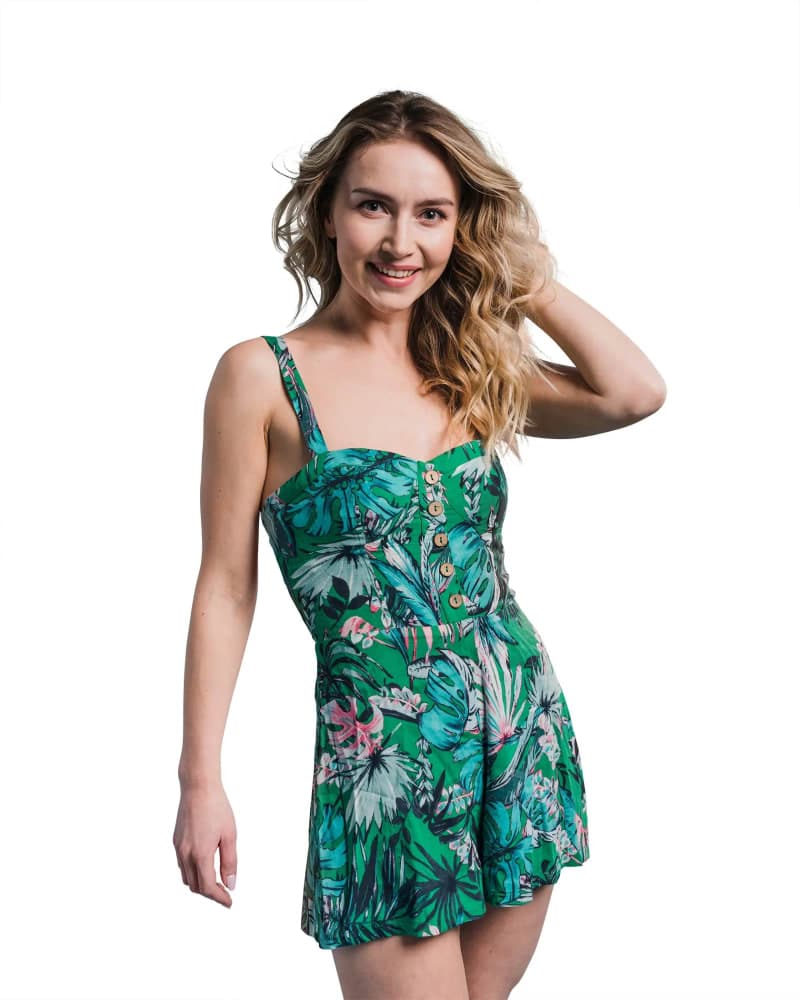

The Resolution Math
For a product image to survive the Zoom Test, you need sufficient resolution at the source. Here's the math:
- Standard web display: 1000-2000px on the longest edge (sufficient for no-zoom viewing)
- Zoom-ready display: 3000-4000px on the longest edge (supports 2-3x zoom without pixelation)
- Macro-detail display: 5000-6000px on the longest edge (supports deep zoom for jewelry and luxury goods)
This means your source files should be captured at high resolution-which is why we always recommend shooting at maximum camera resolution and performing all editing at full size before exporting optimized versions.
The Artifacts That Kill Conversion
When customers zoom in, these are the specific visual defects that trigger the "low quality" response:
- JPEG Compression Blocks: Visible 8x8 pixel blocks in smooth gradients and solid colors.
- Edge Halos: Bright or dark outlines around the product from aggressive sharpening or poor Background Removal.
- Dust and Debris: Specks on the product or background that weren't caught during editing.
- Color Banding: Staircase-like transitions in gradients instead of smooth blends.
- Cloning Artifacts: Repeated texture patterns from lazy clone-stamp work during Retouching.
Each of these defects is invisible at normal viewing size. At 300% zoom, they're obvious-and they're the visual equivalent of a loose thread on a $500 dress.
The Reframe Zoom Protocol
Every image that leaves our studio goes through the Zoom Protocol:
- 100% View: Final color and composition check.
- 200% View: Edge quality inspection. Every product boundary must be clean and halo-free.
- 300% View: Surface detail inspection. Dust removal verification. Texture integrity check.
- Export Test: The delivered file is opened in a browser and zoomed using the platform's native zoom tool to verify that compression hasn't introduced artifacts.
For Jewelry Retouch projects, we extend this to 500% inspection-ensuring that every facet edge, every prong tip, and every hallmark is razor-sharp.
Designing for the Zoom Journey
The smartest brands don't just survive the Zoom Test-they design for it. They intentionally place rewarding details that the customer discovers at zoom:
- A beautifully visible brand emboss on leather
- The precise geometry of a watch movement visible through a caseback
- The intricate weave pattern of a premium fabric
These "zoom rewards" create a moment of delight that strengthens purchase conviction. Your customer thinks: "If they care this much about the details I can barely see, imagine the quality of the product as a whole."
- The Signal: Zoom = purchase intent. Respect it.
- The Standard: Every image must be clean at 300%.
- The Strategy: Plant "zoom rewards" that delight the detail-oriented customer.
Your customer's thumb is the final quality inspector. Make sure it finds excellence.
Get an exact price for your images.
Tell us your volume and the edits you need. We reply with a price, and you can send sample images to make it exact.