Live
Dropbox
Share a folder link; edited files come back the same way.




 +1
5.0 from 14 reviews2-editor QAUnlimited revisions in 14 days
Connect cloud storage, Dropbox or an automated sync. Edited files come back the same way they went in.
Delivered to dashboard within your selected SLA
Your inputs
Reframe production pipeline
Your outputs
Delivered to dashboard within your selected SLA
Your originals and one line on the background you want. Everything else is in the brief.
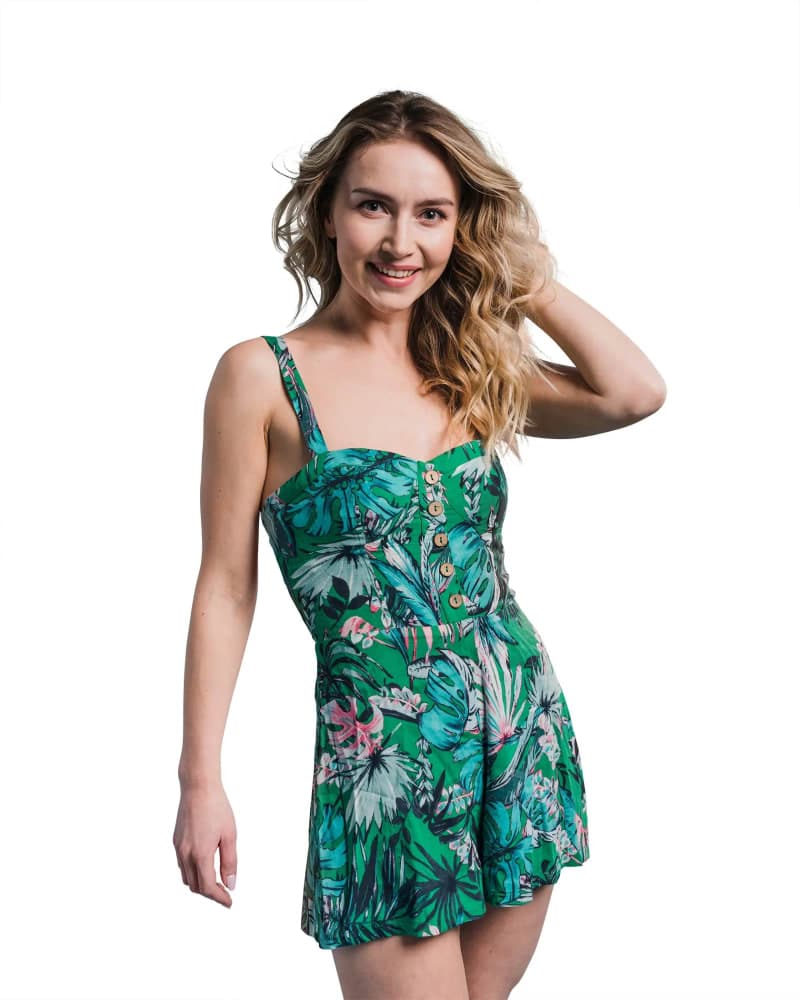
Drag any photo to compare the original with the edit.
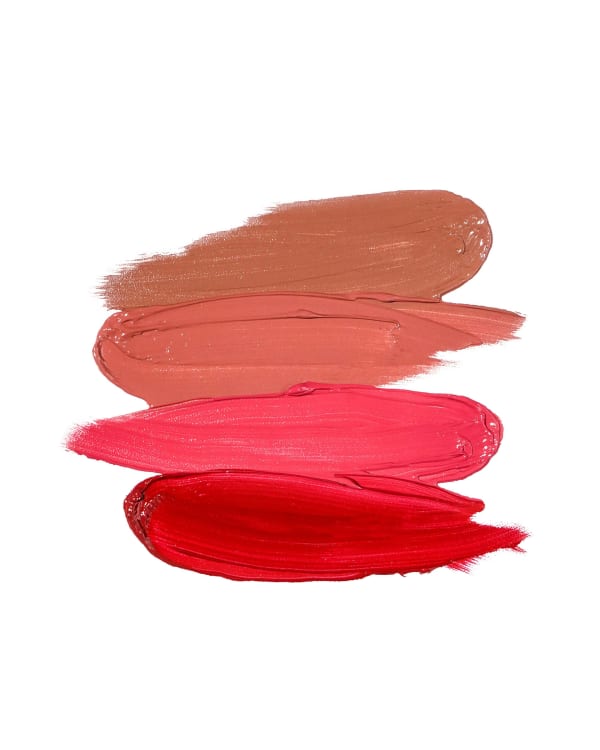

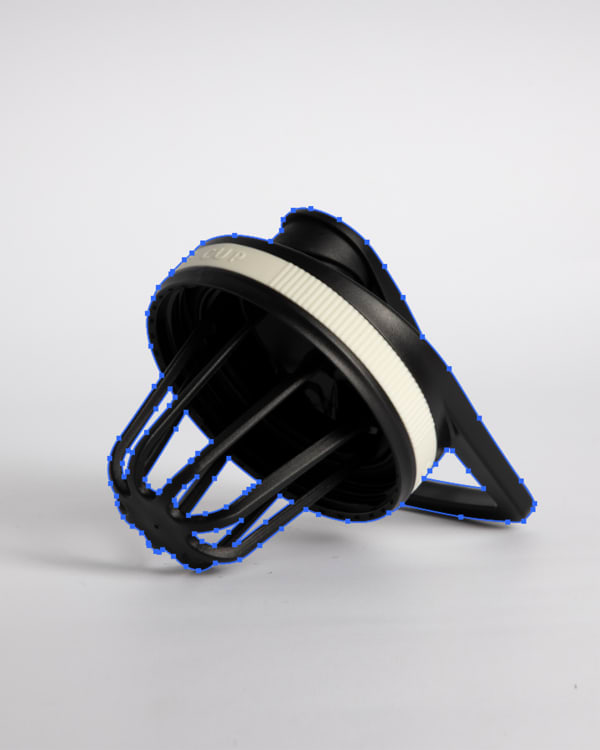
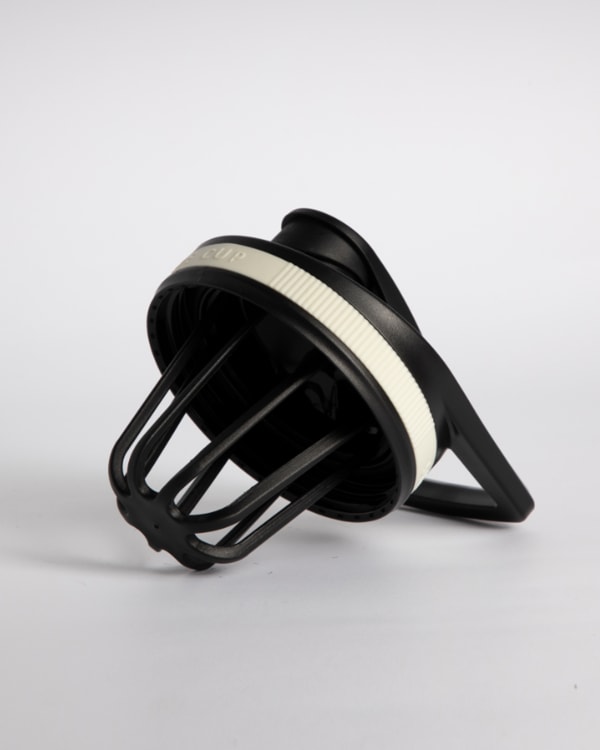
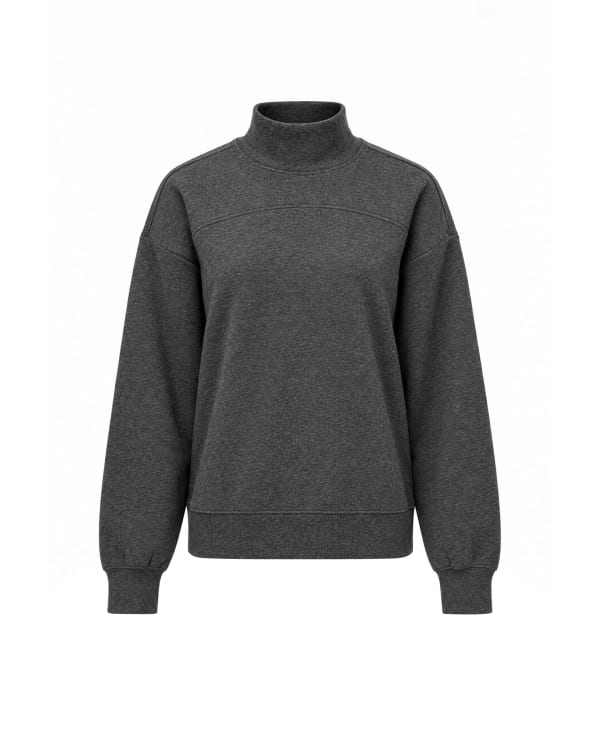
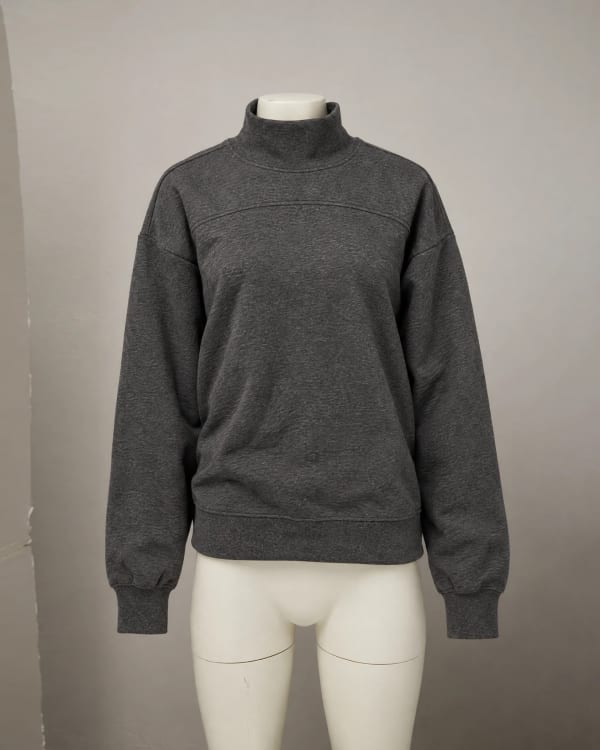


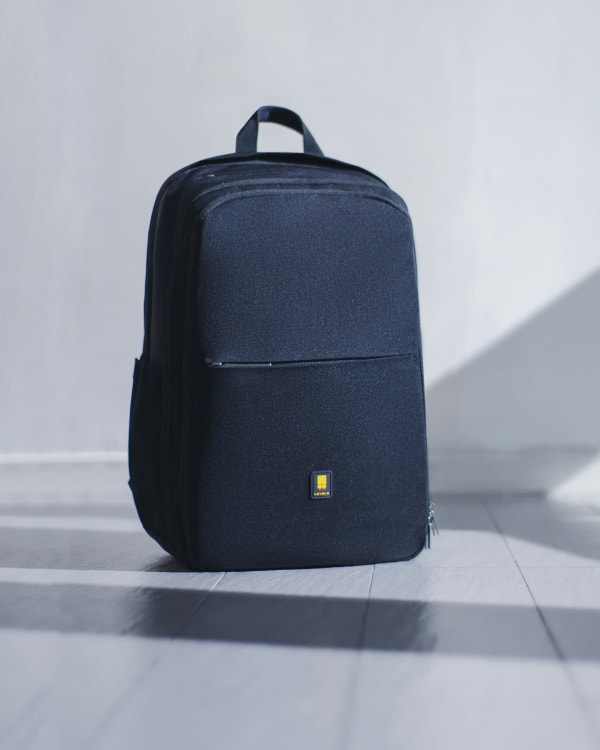
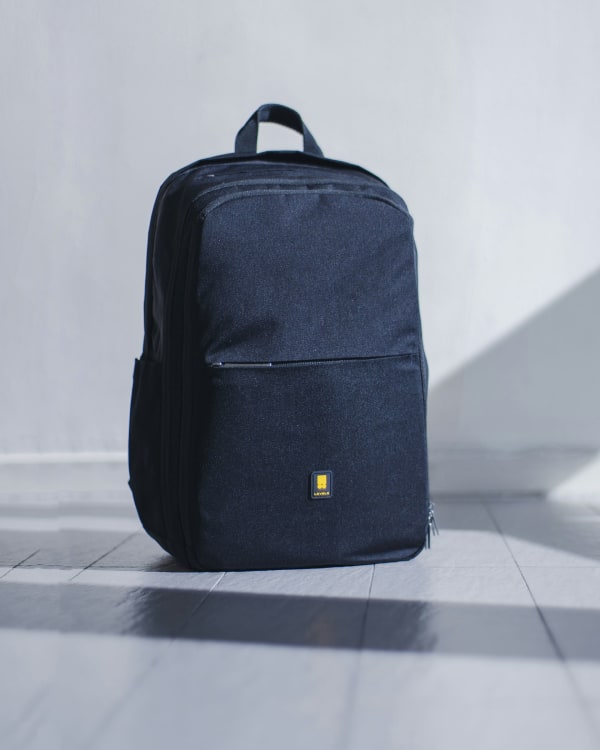
Share a link from the storage you already use. Edited files come back by dashboard, email or sync.
Share a folder link; edited files come back the same way.
Send a transfer link with your originals.
Share files from your own drive.
Submit orders, track status and manage revisions from any AI assistant or automation tool.
We check each file against service-specific criteria before delivery. Your catalog stays consistent across thousands of images.
Probably the best team I have worked with, and I use the platform very very often. Awesome pricing & highest possible result. Everything done to the smallest details. They really know how to use PS. Will definitely work with them in the long run.
Nikola FilićFounder & Creative Director, Bomber Clothing7 questions
Upload them through the dashboard, Dropbox or cloud storage. Original files in any format are fine.
The service you want, the turnaround speed and any editing requirements, such as a background color or pixel size.
12 hours at the fastest, with 24h, 48h and 72h options chosen per order.
Two editors review every image against the QA checklist for its service.
Download them from the dashboard, receive them by email or have them synced straight to your cloud folder.
Revisions are free for 14 days after delivery. Open the batch in your dashboard and submit your notes.
Yes. Send 3 images and review the edits before you place a paid order.
Try a shorter keyword, or choose another category.
Send 3 images and watch the four steps on your own files. Pay only when you're ready to scale.
Chat with our team
A real person replies, not a bot. Usually within a few minutes.
Where can we reach you?
Your chat stays live, one to one. We only keep your email so we never lose you if this tab closes. No newsletters, no email threads.
Without an email we cannot reach you if you leave this page.