Why Edge Quality Determines Whether Your Product Images Convert
Halos, bitten corners and floating cut-outs make a product page feel cheap even when shoppers cannot say why. Here is what a bad edge looks like, why tools produce it, and a two-minute check you can run today.
TechniquesPublished June 2, 2026Updated October 30, 20266 min readBy the Reframe Visuals editors
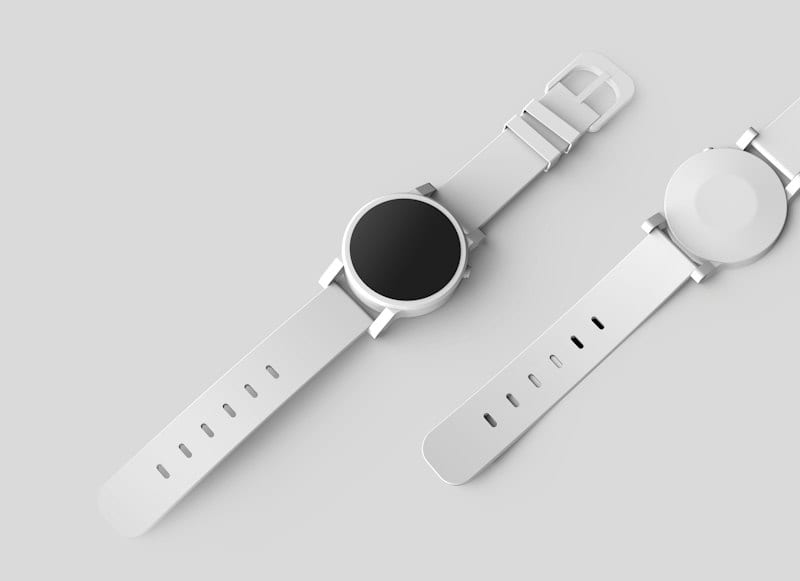
A cut-out can be technically correct and still look wrong. The edge has a faint light line along it, or a corner is slightly bitten, or the product sits on the white like a sticker. Shoppers rarely name the problem. They just trust the page less. This guide explains what a bad edge looks like, why automated tools produce them, and how to check your own images in two minutes.
What a bad edge looks like
Four problems account for most of what we fix:
- The halo. A thin line of the old background colour clings to the product. On a white page it shows as a faint grey or coloured outline, especially on dark products.
- The bite. The tool misjudges a thin part, like a strap, a handle or a chain, and removes it. The product is missing a piece.
- The stair-step. A curved edge looks jagged because the mask is a grid of pixels instead of a smooth line.
- The floating cut-out. The edge is clean but there is no shadow, so the product hovers instead of sitting.
None of these need an expert to see once you know what to look for. Zoom in to 200% on the edge of your product against a white page. If you see any of the four, so can your customers on a large screen or when they use zoom.
Need clean, halo-free cutouts for your products?
Don't let jagged edges or dark background fringing degrade your conversion rate. Get 3 free sample cutouts by Reframe Visuals — hand-crafted with Pen Tool curves and checked by two senior editors.
Why automated tools produce them
An automated tool looks at colour and contrast and guesses which pixels are the product. On a plain shape against a plain background, the guess is usually right. It goes wrong when the product and the background look alike, or when the edge is not a hard line:
- Hair and fur. Individual strands are thinner than a pixel and partly see-through.
- Glass and transparent packaging. The product is the background, seen through a lens.
- Lace, mesh and sheer fabric. The edge is full of holes that need to show the new background.
- Jewelry. Chains and prongs are very thin and very bright against a pale background.
- White on white. A white product on a light background has no contrast to find.
A person can see the intent and finish the edge. A tool can only guess, and the guess is often fine on 90 images and visibly wrong on the other 10.
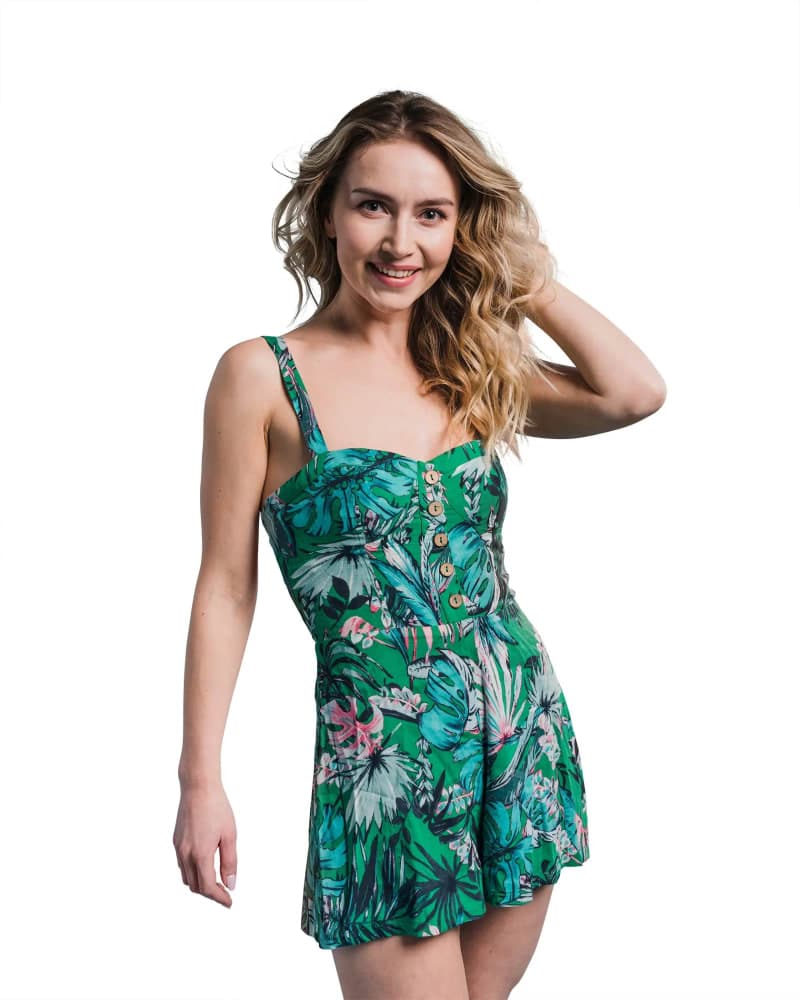

What a hand-drawn path does
A clipping path is a smooth outline drawn with the Pen Tool around the product. Instead of a grid of pixels it is a curve, so it stays clean when you scale the image and it follows the actual shape of the product, including corners, holes and fine parts. For anything with an edge worth getting right, it is the standard approach. We cover the details in our Clipping Path service.
Softer subjects, like hair, fur and fabric, use a mask instead of a path. The editor builds the mask from the image's colour channels so individual strands keep their transparency and the new background shows through them. This is Image Masking.
Most of our Background Removal orders use a mix: AI to get the rough shape, then a person to correct the edge and a second person to check it.
Consistency matters as much as quality
An edge that is clean on one image and slightly different on the next is a problem on a category page. Twenty products shot on different days, by different people, arrive with different edge contrast and colour casts. On their own each looks acceptable. Side by side, the page looks assembled from parts.
When we cut out a catalog, we match edge softness and white balance across the batch, not just per image. This is also why a second editor checks every file: the second person is looking at consistency across the set, not just the one file in front of them.
How to check your own images in two minutes
You do not need software. Open your listing on a large screen and:
- Zoom in to 200% on the edge of your lightest product and your darkest product
- Look at the thin parts, such as straps, handles and chains, and make sure they are all there
- Check the ground. Does the product sit on the page, or hover over it?
- Open three images from the same category side by side and look for edge differences
- Test on a coloured background. A halo you cannot see on white shows immediately on pale grey or beige
If an image fails any of these, the fix is quick. If many fail, it is worth sending a batch out.
When the edge is worth paying for
Not every image needs this. A hard-edged product on a plain background is fine with an automated tool and a fast check. Pay for hand-drawn edges when:
- The product is jewelry, apparel, hair, glass or anything semi-transparent
- Shoppers zoom in before they buy
- You list on a marketplace that checks the background automatically
- A bad edge would cost you more in returns or lost sales than the editing costs
Our pricing starts at $0.39 per image for simple products and rises with the work involved. Hair, glass and fabric are $1.25 and above. See the full breakdown of background removal costs for the tiers.
Compare vendors on your hardest image
If you are choosing between services, ask each one to edit the same hard image, and look at it against two backgrounds: white and a pale grey. A fringe that survives on both is a fringe your customers will see. We edit three images free, so you can run that test on your own product before you decide.
Get an exact price for your images.
Tell us your volume and the edits you need. We reply with a price, and you can send sample images to make it exact.
Questions answered
6 questions
A thin outline of the old background colour left on the edge of the cut-out. It is most visible on dark products placed on white, and on zoom.
Strands are thinner than a pixel and partly transparent. A tool treats them as either product or background, so they come out as a hard blob or disappear. A mask built from the image's colour channels keeps them soft and see-through.
A smooth outline drawn around the product with the Pen Tool, used to separate it from the background. Because it is a curve rather than pixels, it stays clean at any size.
No. Simple, hard-edged products on a clean background are fine with an automated pass and a human check. Hand work is for hair, glass, jewelry and anything with fine edges.
Zoom to 200% on the edge, check the thin parts, look at the ground shadow and test the image on a pale grey background. If you see an outline or a missing piece, it is worth fixing.
From $0.39 per image for simple edges, and $1.25 and above for hair, glass and fabric. We confirm the price from a free sample before you order.
No matching questions
Try a shorter keyword, or choose another category.