The Alt-Text Goldmine: How Product Image SEO Drives 23% More Free Traffic to Your Store
Most brands treat image alt text as an afterthought. Google uses image semantics and filenames as ranking signals for Google Shopping.
TechniquesPublished February 24, 20269 min readBy the Reframe Visuals editors

The Invisible Traffic Source
When eCommerce brands invest in SEO, they optimize titles, descriptions, and meta tags. Product images-which occupy 60-80% of every product page's visual real estate-are usually uploaded with filenames like "IMG_4523.jpg" and alt text that says "product image."
This is leaving money on the table. Google's image search drives 23% of all web searches, and Google Shopping's visual results are increasingly powered by image quality signals. Every product image is a potential traffic source-if it's optimized correctly.
Scaling catalog editing without adding full-time payroll overhead?
Partner with Reframe Visuals: elastic capacity processing 2,500+ commercial images daily, two-editor QA, and 12h–72h turnaround. Test our studio with 3 free sample edits — zero credit card required.
The 5 Pillars of Product Image SEO
Pillar 1: Descriptive File Names
Before uploading, rename every file with a descriptive, keyword-rich name:
- ❌ IMG_4523.jpg
- ❌ product-photo-1.jpg
- ✅ navy-blue-cotton-blazer-front-view.jpg
- ✅ 14k-gold-diamond-engagement-ring-solitaire.jpg
Use hyphens between words. Include the product name, key attribute (color, material), and image perspective.
Pillar 2: Strategic Alt Text
Alt text serves two purposes: accessibility for screen readers and SEO signals for search engines.
The formula: [Product Type] + [Key Feature] + [Brand/Context]
- ✅ "Navy blue Italian cotton blazer with mother-of-pearl buttons, front view"
- ✅ "14k rose gold solitaire engagement ring with round brilliant diamond, 1 carat"
- ❌ "Blazer" (too generic)
- ❌ "Beautiful stunning amazing luxury blazer in the most gorgeous navy" (keyword stuffing)
Pillar 3: Structured Data (Schema Markup)
Implement Product schema markup that references your images:
- image property: URL to the main product image
- additionalProperty: Image dimensions and format
- Multiple images: Use the image array to list all product views
This helps Google understand the relationship between your product data and its visual representation, improving visibility in Google Shopping results.
Pillar 4: Image Sitemap
Create a dedicated image sitemap or extend your existing sitemap with image tags:
- image:loc: URL to the image
- image:title: Same as the descriptive file name
- image:caption: Extended description with secondary keywords
Submit the sitemap to Google Search Console. This ensures Google discovers and indexes all your product images-not just the ones it finds through crawling.
Pillar 5: Technical Quality Signals
Google's ranking algorithm considers image quality as a trust signal:
- Resolution: Higher-resolution images rank better (professional Background Removal at full resolution)
- Load speed: Optimized file sizes rank better (WebP + CDN delivery)
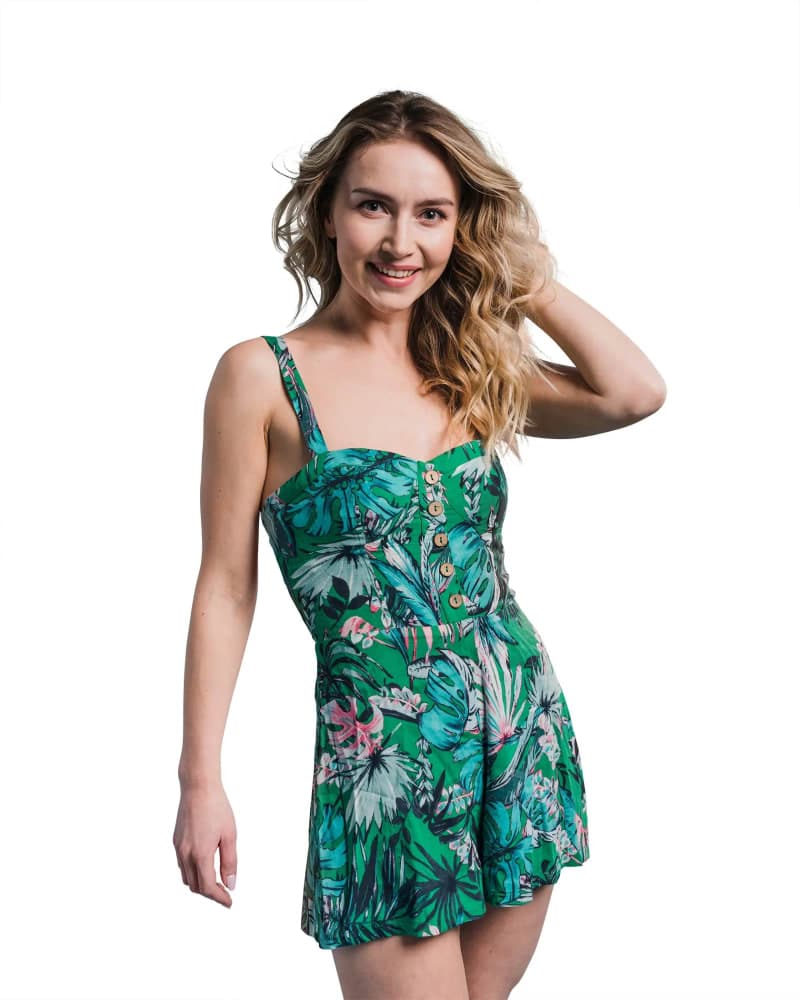
- Clean backgrounds: White background images are preferred for Google Shopping
- Multiple angles: Listings with more images receive higher quality scores
| SEO Element | Impact Level | Implementation Effort |
|---|---|---|
| File Names | Medium | Low (rename before upload) |
| Alt Text | High | Low (write during upload) |
| Schema Markup | High | Medium (developer needed) |
| Image Sitemap | Medium | Medium (automated tools exist) |
| Technical Quality | High | Varies (professional editing) |

Google Shopping Feed Optimization
For Google Shopping (Merchant Center) listings, image quality directly affects ad performance:
- Main Image: Must be on white or transparent background. No watermarks, no borders, no promotional text.
- Resolution: Minimum 100x100px, but 1500px+ recommended for "similar items" visibility.
- Format: JPEG, PNG, or WebP. Maximum 16MB.
Professional Color Correction ensures your product colors match your feed data. If your feed says "red" but the image reads as "burgundy" to Google's vision AI, you may lose visibility for "red [product]" searches.
The Image Quality Score
Google assigns an invisible Image Quality Score to every product listing. Factors include:
- Background cleanliness (professional Clipping Path extraction)
- Edge quality (no halos or artifacts)
- Resolution adequacy (supports zoom)
- Color accuracy (matches product attributes)
- Uniqueness (stock photos rank lower than original photography)
Improving your Image Quality Score directly increases your Shopping ad impressions and decreases your cost-per-click-essentially making every click cheaper and every impression more likely.
The Long-Tail Image Strategy
The biggest opportunity in image SEO is long-tail visual searches. Customers increasingly search with specific visual queries:
- "chunky knit cardigan beige oversized"
- "minimalist gold hoop earrings thin"
- "matte black ceramic coffee mug handmade"
By naming and tagging your images with these specific descriptors, you capture highly-qualified traffic from customers who know exactly what they want-and are ready to buy.
- Name every file with descriptive, keyword-rich names.
- Write alt text that serves both accessibility and SEO.
- Submit image sitemaps to Google Search Console.
- Invest in quality - Google rewards it with visibility.
Your product images aren't just visual assets. They're search magnets. Optimize them accordingly.
Get an exact price for your images.
Tell us your volume and the edits you need. We reply with a price, and you can send sample images to make it exact.