Clipping path or image masking?



 +1
5.0 from 14 reviews2-editor QAUnlimited revisions in 14 days
What is clipping path?
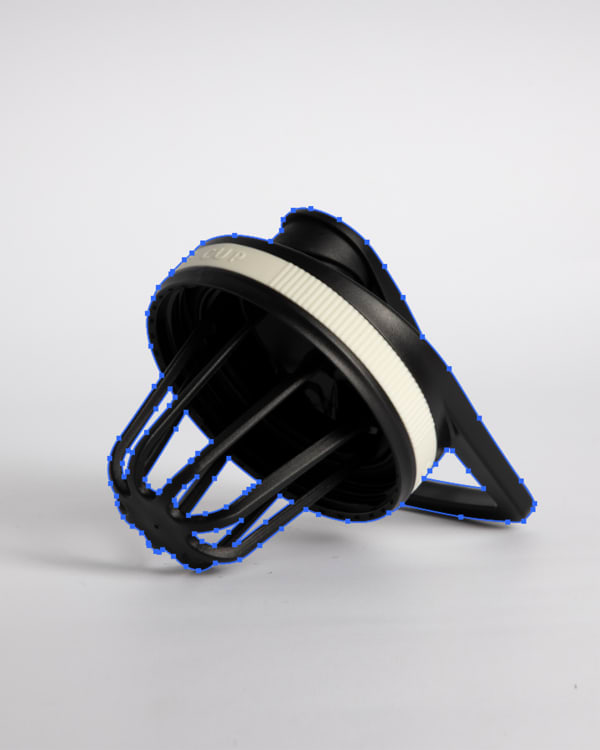
A clipping path is a closed outline drawn by hand with the Pen tool around a product.
What is image masking?
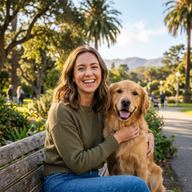
An image masking service cuts a subject with soft, fine edges, such as flyaway hair, animal fur, lace, mesh or glass, out of its photo without cutting the detail off.
Side by side.
| Feature | Clipping Path | Image Masking |
|---|---|---|
| What it does | Studio-grade manual clipping paths drawn by hand with the Photoshop Pen Tool. 1.0–1.5px tolerance, clean curves, and zero jagged edge distortion. | Image masking service for hair, fur, glass and lace: a soft-edged mask keeps every strand, with no halo, on any background. |
| Starting price | $0.39 an image | $0.39 an image |
| Images a day | 2,500+ | 2,500+ |
| Turnaround | 12h–72h | 12h–72h |
| Includes | 100% manual Pen Tool vector paths drawn by hand (zero automated AI shortcuts), Strict 1.0–1.5px inward edge tolerance to eliminate background color fringing and halos, Smooth Bézier curves and sharp anchor point placement on straight edges | Manual alpha channel extraction for fine, soft edges, Hair masking and fur masking that keep every flyaway strand and animal fur, Semi-transparent glass, water splashes, and bottle reflection isolation |
| Ideal for | Ecommerce brands, Amazon and Shopify sellers, Marketplace retailers | Fashion and apparel brands (models with loose or curly hair), Pet product and animal photography, Beauty, cosmetics, and perfume ecommerce |
The cut-out services.
Starting prices are per image at 24h Standard.
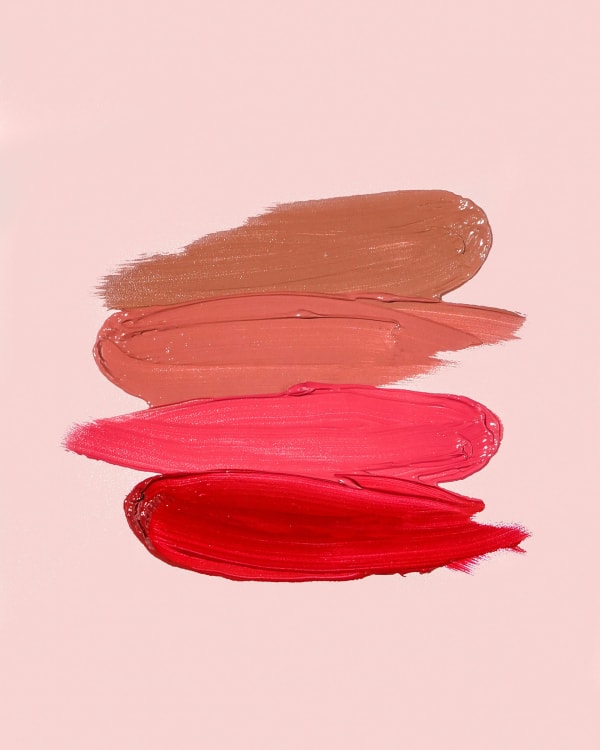
Clipping Path
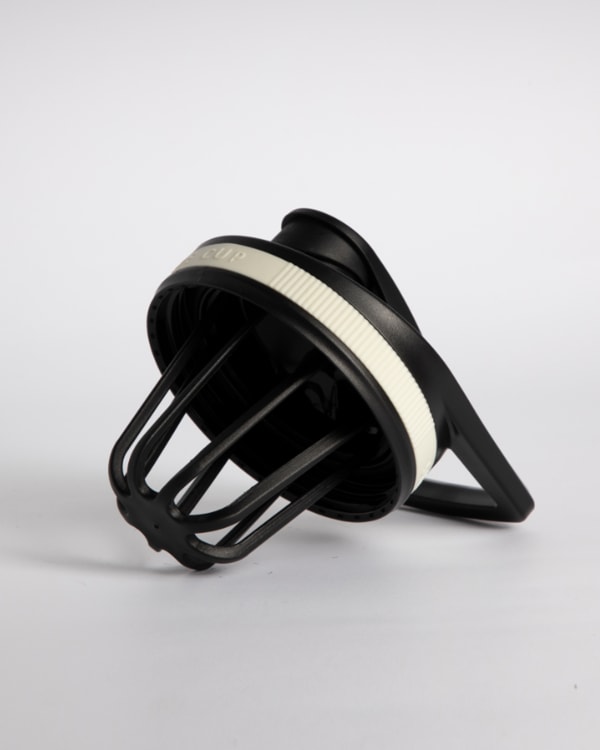
Studio-grade manual clipping paths drawn by hand with the Photoshop Pen Tool. 1.0–1.5px tolerance, clean curves, and zero jagged edge distortion.
- From
- $0.39
- Images a day
- 2,500+
- Turnaround
- 12h–72h
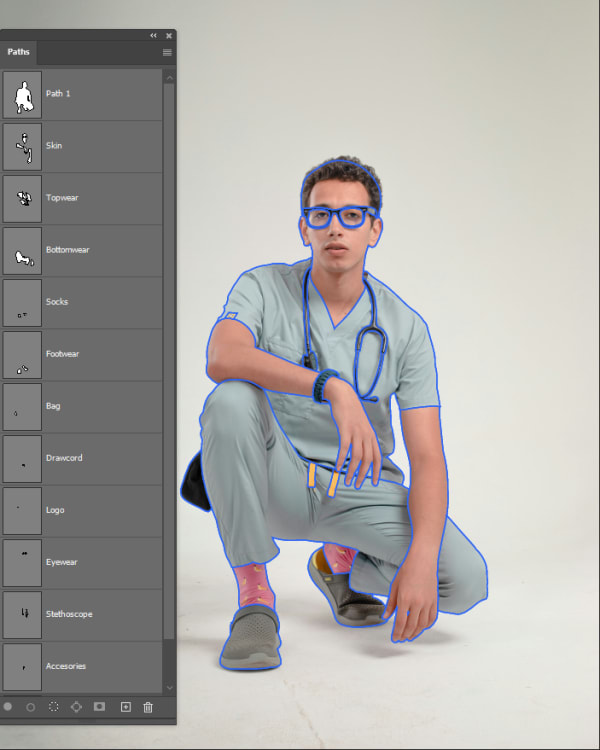
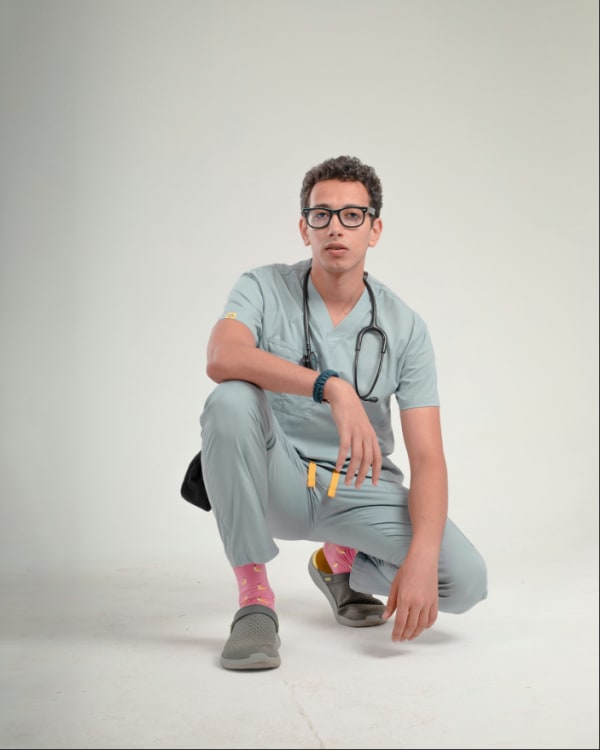
Background Removal
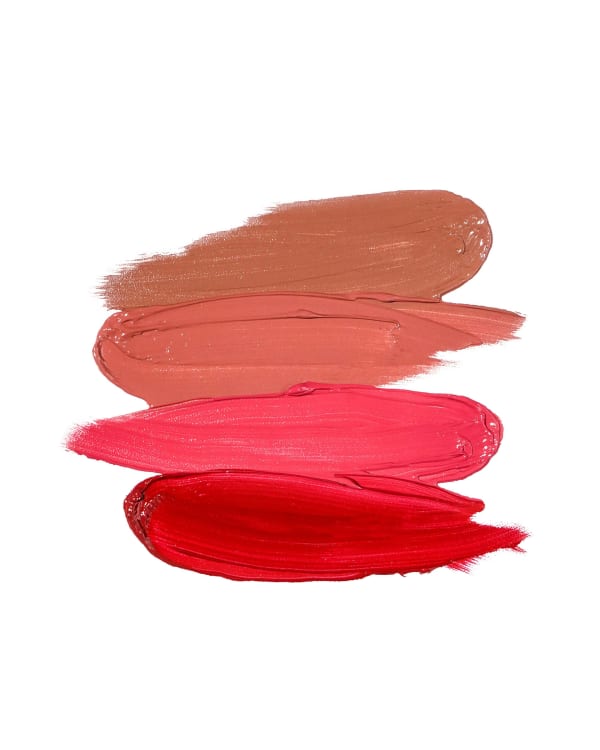
Studio-quality manual background removal for ecommerce catalogs. Clean hand-drawn cutouts, alpha channel masking for complex edges, and compliant white or transparent files.
- From
- $0.39
- Images a day
- 2,500+
- Turnaround
- 12h–72h
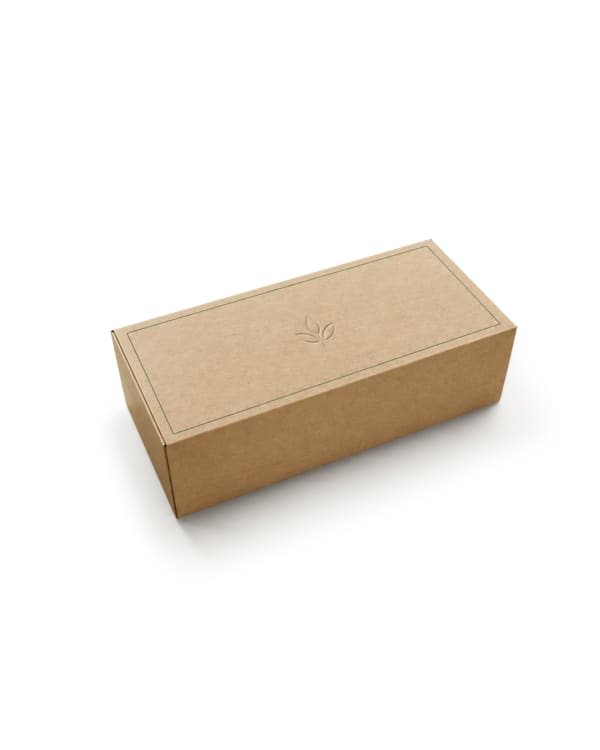
Multi-Clipping Path
Separate product parts, colors, and details with precise multi-clipping paths for controlled editing and catalog-ready workflows.
- From
- $0.90
- Images a day
- 1,000+
- Turnaround
- 12h–72h
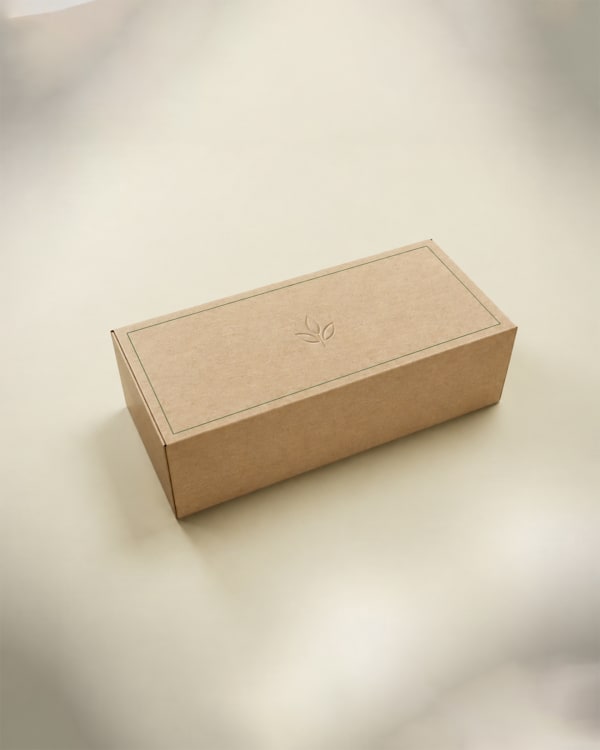
Shadow Creation
Product shadow creation: a hand-drawn drop, natural or reflection shadow that grounds a cut-out product on any background.
- From
- $0.35
- Images a day
- 2,500+
- Turnaround
- 12h–72h
See the difference.
Drag any photo to compare the original with the edit.


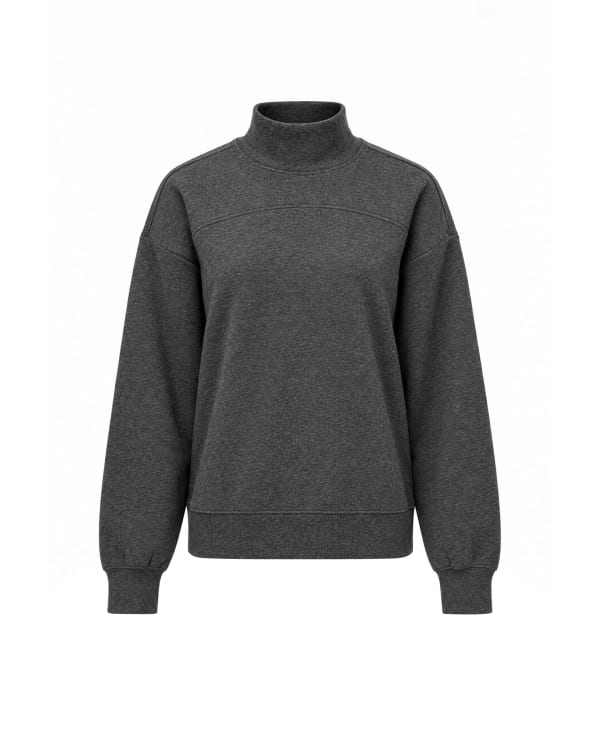
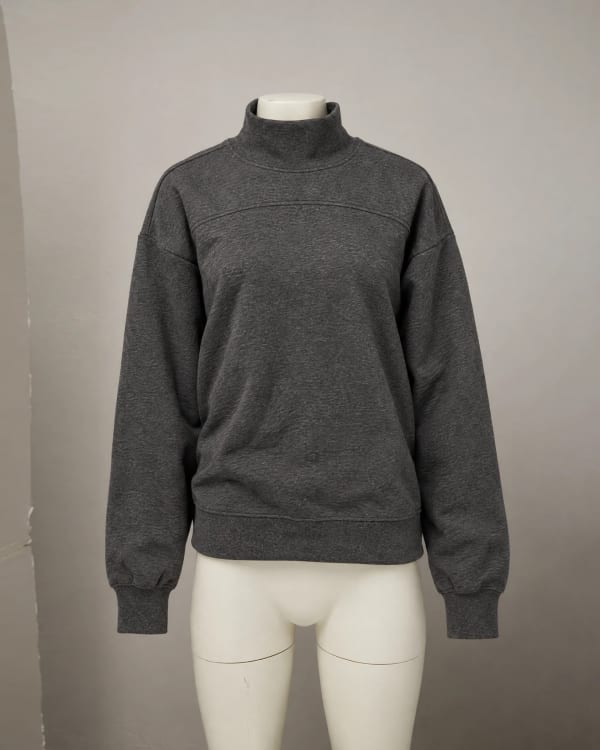
The order is the same for both.
Upload Your Images
Upload product images via the dashboard, Dropbox, or cloud storage.
Set Your Brief
Specify turnaround speed, service type, and any editing requirements.
QA Review
Two editors review every image against service-specific QA checklists.
Download Catalog-Ready Files
Receive your edited images via dashboard, email, or direct cloud sync.
What repeat clients say.
Probably the best team I have worked with, and I use the platform very very often. Awesome pricing & highest possible result. Everything done to the smallest details. They really know how to use PS. Will definitely work with them in the long run.
Nikola FilićFounder & Creative Director, Bomber ClothingGuides on edges and backgrounds.
Why the cut and the white matter, from the editors who do it.
8 questions
A clipping path uses vector bezier curves drawn with Photoshop's Pen Tool to create a razor-sharp outline around solid objects like shoes, bottles, and furniture. Image masking is a raster pixel-level technique using alpha channels to preserve delicate, semi-transparent edges like flyaway hair, animal fur, lace, liquid, and glass.
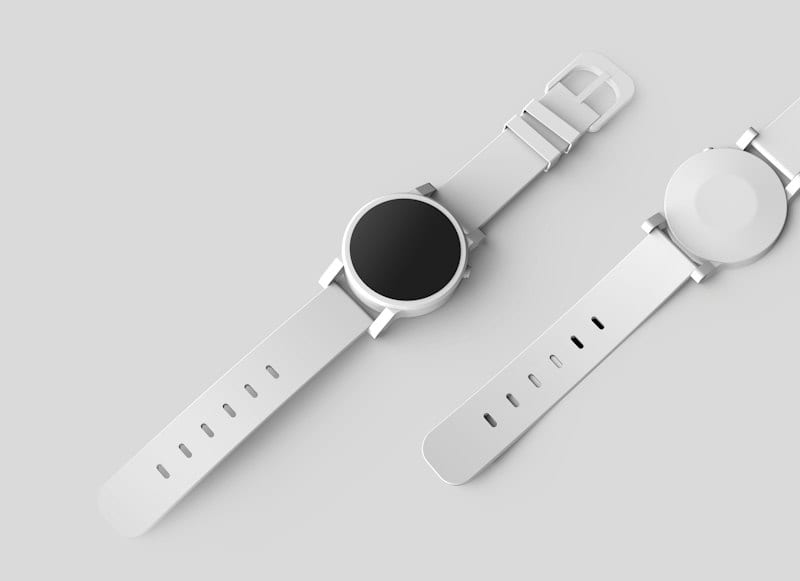
Use a clipping path when your product has smooth, defined, hard boundaries—such as watches, consumer electronics, footwear, bags, and boxed goods. Hand-drawn clipping paths produce clean, reusable vector shapes that scale crisply and export easily to vector layouts.
Image masking is essential whenever a clipping path would look artificial or jagged. If your photo features human models with loose hair, pets with fur, sheer fabrics, bridal veils, netting, smoke, or transparent glassware, masking preserves every fine strand and authentic transparency without a cut-out helmet look.
Clipping path starts at $0.39 per image, reflecting streamlined Pen Tool tracing for solid products. Image masking starts at $0.39 for simple items up to $2.99 for complex multi-layer alpha channel separation, luminosity masking, and manual color decontamination.
Yes. Many commercial fashion and catalog images use a hybrid approach: a clipping path isolates the hard edges of clothing, jewelry, or shoes, while image masking preserves the model's flyaway hair and transparent lace details.
Our editors perform manual color decontamination. If a model was shot against a green, blue, or vibrant studio backdrop, light bounces onto the edge strands. We neutralize this ambient spill so the subject integrates seamlessly onto pure white (RGB 255) or transparent backgrounds.
For clipping paths, we deliver PSD, TIFF, or JPEG files with the closed vector path saved in the Photoshop Paths palette. For image masking, we provide layered PSD files with editable layer masks intact, or 32-bit transparent PNG files.
Turnaround is 12h–72h chosen at checkout. Both services include our two-editor QA review and 14 days of free revisions.
No matching questions
Try a shorter keyword, or choose another category.
Also see
Judge the quality yourself.
Send 3 images. Review the edits before you pay.